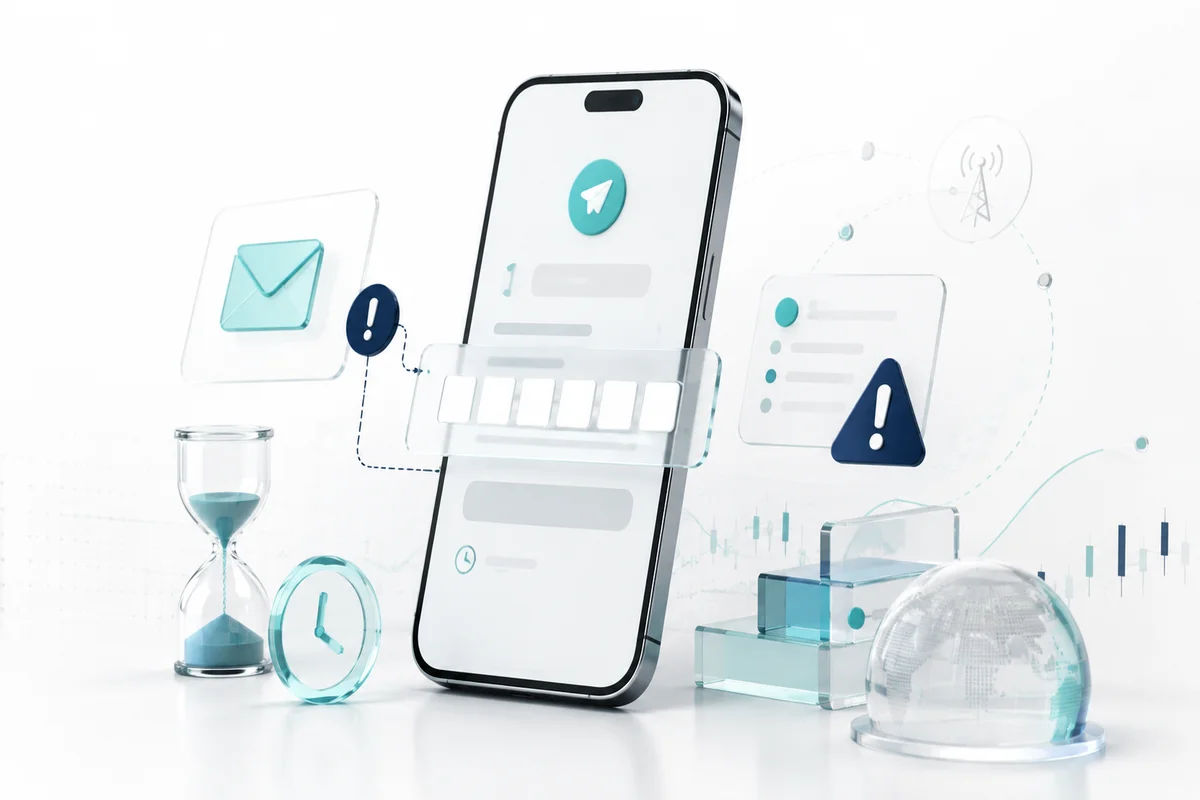
The missing Telegram code is a verification failure where Telegram does not deliver the login code by SMS, phone call, or notification from another device. This often happens when you switch phones, reinstall the app, or use a new number. Common causes include weak mobile signals, incorrect number entry, unsynchronized time settings, corrupted app cache, and temporary rate limits on Telegram servers. To fix the issue, start by requesting a new code, checking automatic time settings, clearing app cache, and then trying to log in again.
Key Points
- Check your signal first: Weak network, airplane mode, or unstable mobile data can block the code.
- Always keep time automatic: A wrong timezone can make Telegram reject the verification code.
- Avoid repeat requests: Sending too many requests triggers temporary server limits and delays the code.
- Use phone call fallback: Telegram can read the code through an automated call if SMS fails.
- Clear cache before retrying: Corrupted app files often stop the login process from completing.
Why Telegram Code Does Not Appear
Several factors can stop the verification code from reaching your phone. According to Telegram's official help center as of 2026, a login code can be sent by SMS, via phone call, or through another device that is already logged in. If any of those channels fails, the code will not show up.
• Weak signal or internet connection: SMS needs an active mobile network, while notifications need data access.
• Wrong phone number: The country code or main digits do not match your active number.
• Unsynchronized time settings: A large time difference can make the login session look invalid.
• Corrupted app cache: Temporary files can disturb the login screen and slow down verification.
• Temporary rate limit: Requesting codes too often makes Telegram delay further messages.
If your internet or device is causing the issue, you can learn how digital verification flows work through the Mobee tutorial. Your main priority, however, should be restoring access to Telegram.
Quick Checks Before You Request Another Code
Before pressing resend, run these quick checks so you do not waste time waiting for a code that will not arrive.
1. Confirm the number: Check the country code and the active main number.
2. Check your mobile signal: Move to an area with stronger network coverage.
3. Turn off airplane mode: Airplane mode blocks both SMS and mobile data.
4. Check free storage: Full storage can make apps run slowly and misfire.
5. Close and reopen Telegram: Restarting the app reloads the connection state.
Once your account is working again, you can explore payment and deposit guides, including how to deposit via QRIS.
How to Fix Telegram Not Sending the Code
If the code still does not appear, follow these steps in order.
1. Resend the code: Wait 1-2 minutes, then tap the resend option.
2. Choose phone call: Tap call me so an automated call reads the code.
3. Check SMS spam: Open your messaging app and look for messages from Telegram numbers.
4. Turn off VPN or proxy: A different IP address can make Telegram delay the code.
5. Restart your phone: Rebooting clears small network glitches.
6. Update the app: Make sure Telegram is up to date from the App Store or Google Play.
After you log in successfully, you can start exploring digital markets by checking Spot Trade on a trusted platform.
Check Date and Time Settings
Wrong date and time settings are easy to miss, but they are a common cause of verification failure. Telegram's help center as of 2026 recommends automatic date and time so connections stay stable. The authentication process relies on server time, so a big difference can make Telegram reject your code.
• Enable automatic time: Choose automatic date and time in system settings.
• Set the correct timezone: Make sure the timezone matches your current location.
• Avoid manual changes: Manual time can drift and break the login session.
• Restart after changing: Rebooting helps apps read the new time settings.
Clear Cache or Reinstall Telegram
Too much cache can make Telegram freeze on the verification screen. The cleaning method is slightly different on Android and iOS.
1. Open Settings: Go to Apps or Application Manager.
2. Select Telegram: Find Telegram in the installed app list.
3. Tap Clear Cache: This only removes temporary files, not chats.
4. Avoid Clear Data first: Clear Data removes local settings and forces a new login.
5. If needed, uninstall and reinstall: Chats can be restored from the cloud after login.
After your apps are healthy, passive earning features such as the Earn feature become easier to monitor.
When to Contact Telegram Support
If nothing works, contact Telegram support through official channels or the in-app help form. Prepare clear information to speed up the process.
• You tried every fix: Resend, phone call, cache clearing, and reinstall did not work.
• You see a limit message: Too many attempts or Try again later appears.
• Your number receives no SMS at all: The carrier might be blocking Telegram messages.
• You need help with an old account: An inactive number requires a special recovery process.
How to Avoid Verification Problems in the Future
You can reduce the risk of missing codes by building better habits now.
• Use one active main number: Avoid switching SIM cards often when logging in.
• Do not request codes repeatedly: Wait a few minutes between every resend.
• Enable two-step verification: This adds security and blocks unknown devices.
• Save recovery codes: Store Telegram recovery codes in a secure place.
• Update apps regularly: New versions fix verification bugs.
Other digital platforms also have their own verification process. Once your main account is secure, you can monitor products like xStocks with more confidence.
Summary Table: Causes and Fixes for Missing Telegram Code
Remember that every case is slightly different. This table summarizes the most common problems and fast fixes. After verification is done, you can sharpen your market strategies with trading tips.
Conclusion
According to a statement from Telegram's founder in June 2024, the platform had more than 900 million monthly active users. That scale means verification issues can happen to anyone, but the fixes are usually simple when done step by step. Start with signal checks, fix time settings, clear cache, and contact support only if needed. Do not forget to enable two-step verification for long-term account safety.
FAQ
Mobee is a digital asset platform licensed and supervised by OJK, helping users explore crypto and investment products with clearer access and practical learning. Start your investment journey through Mobee and choose products that match your goals and risk profile.