How to Deposit on a Crypto Exchange: Process, Fees, and Tips
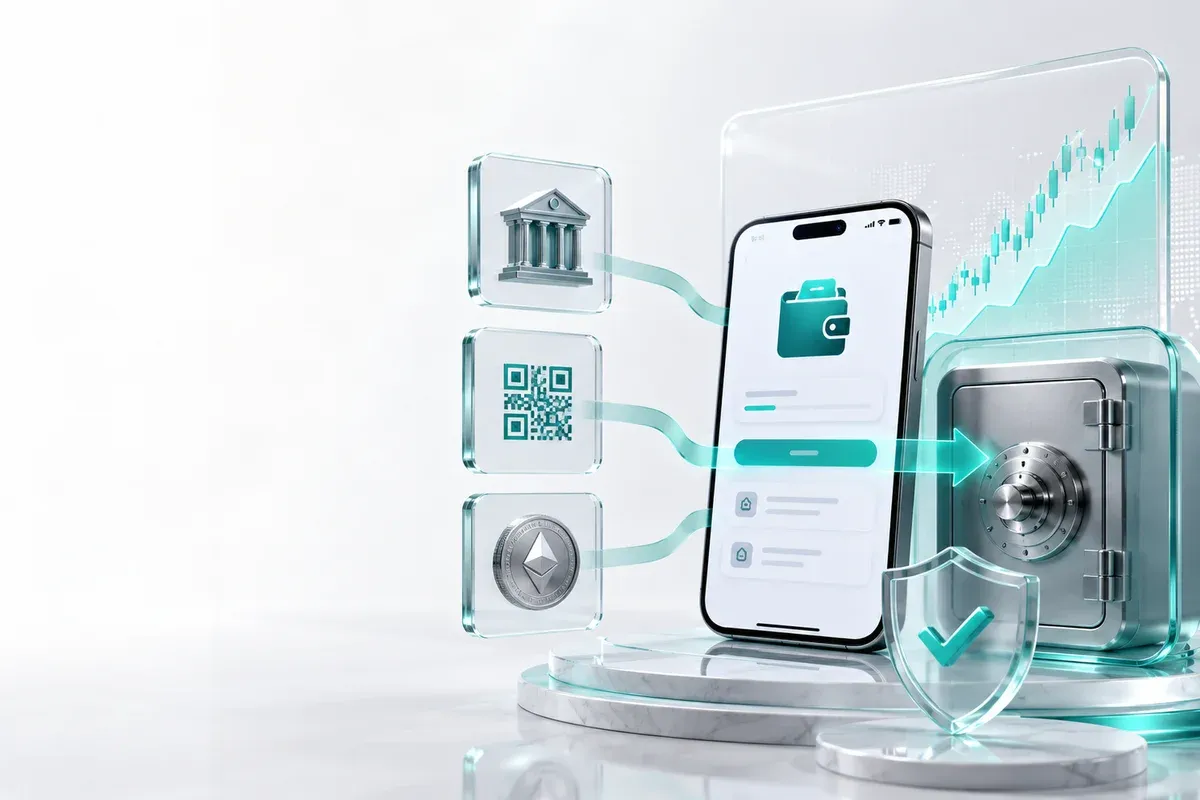
Depositing on an exchange starts with choosing a funding method, such as QRIS, bank transfer, or crypto asset transfer. The method you choose determines how quickly your balance is credited, whether there are fees, and what information you need to prepare.
This article explains the practical process of depositing Rupiah and crypto on most exchanges, including KYC requirements, blockchain networks, and common mistakes that cause funds to fail to arrive.
Key Points
- Depositing funds. The process of topping up your exchange account balance before you can start buying and selling crypto assets.
- Deposit methods. QRIS, bank transfers, and crypto transfers have different processing times and requirements.
- KYC is mandatory. Accounts with verified identities have an easier time with deposits and withdrawals.
- Network compatibility. Ensure the sender's wallet network matches the destination network for the crypto deposit.
- Keep proof of transaction. Reference numbers and transaction hashes are required if a deposit fails or remains pending.
Depositing Is More Than Just Transferring Funds
Many beginners assume that depositing is just sending money to the account number displayed in the app. In reality, there are verification and settlement mechanisms involved before the balance becomes truly available.
- Rupiah balance - the result of a QRIS, virtual account, or bank transfer deposit that can be used to buy crypto.
- Crypto balance - digital assets from an external wallet that arrive after network confirmation.
- Pending status - transactions still awaiting internal verification or blockchain finalization.
These terms are important for reading your deposit history page. If the status is pending, it means the funds are not yet available for you to use.
What to Prepare Before Depositing
Deposits are inseparable from a platform's compliance with anti-money laundering regulations. Since the transition of digital financial asset oversight from Bappebti to the OJK was officially completed on January 20, 2026, licensed exchanges are now fully supervised by the OJK and are required to consistently implement KYC. Accounts with incomplete KYC usually face restrictions, ranging from small deposit limits to withdrawal rejections.
- Complete your KYC. Ensure your name, national ID (e-KTP), and face match, as the data must be identical.
- Prepare an active account. Your bank account or e-wallet must be capable of handling incoming and outgoing transactions.
- Check deposit methods. View the deposit menu to ensure your preferred method is available.
- Select the network. For crypto, note the type of blockchain and the asset being sent.
KYC procedures may vary between platforms, depending on each exchange's policies.
Deposit Methods Available on Exchanges
In general, deposits are divided into two main channels: Rupiah and crypto. The Rupiah channel uses QRIS, bank transfers, or virtual accounts.
- QRIS - practical for small deposits as it only requires scanning a QR code.
- Bank transfer - typically used for large amounts, provided the destination bank is active.
- Crypto transfer a solution when you are moving assets from another exchange or a personal wallet.
Choose a method based on the speed and amount you need.
How to Deposit via QRIS
QRIS was officially launched by Bank Indonesia on August 17, 2019, as the national QR payment standard. This standard allows a single code from an exchange app to be scanned by various banks or e-wallets.
- Log in to your exchange account and open the Deposit menu.
- Select Rupiah and the QRIS method, then enter the desired amount.
- Open your bank or e-wallet app that has a QRIS scanning feature.
- Scan the QRIS code that appears on the exchange screen.
- Check the recipient's name and the amount before entering your PIN.
- Save the transaction receipt and wait for a notification from your payment app.
Once the payment is successful, your Rupiah balance will usually arrive within minutes. If it doesn't, do not resend immediately as this could cause a duplicate transaction.
How to Deposit via Bank Transfer
Bank deposits generally use a unique virtual account belonging to your exchange account. The system will match the name, amount, and reference number of the incoming transfer.
- Select the Rupiah Deposit menu and the Bank Transfer option.
- Select the bank you are using and copy the virtual account number.
- Log in to your bank app and transfer the requested amount.
- Ensure the destination account name is correct.
- Return to the exchange app and monitor the status on the history page.
- Keep a record of your transfer reference number for verification purposes if the status takes a long time to update.
BI-FAST is a retail transfer service from Bank Indonesia launched on December 21, 2021. Banks connected to this system typically process transfers faster.
How to Deposit via Crypto Transfer
Crypto deposits use a public address, not a bank account number. Each blockchain has a different address format and network fee.
- Open the Crypto Deposit menu and select the crypto asset you want to send.
- Select the appropriate network, such as Ethereum, BNB Smart Chain, or Solana.
- Copy the exchange's deposit address.
- Open your sending wallet and paste the address.
- Select the exact same network as the one chosen on the exchange.
- Enter the amount and network fee, then confirm the transaction.
Selecting the wrong network may cause your funds not to appear automatically.
How Long Do Deposits Take and What Are the Fees
Deposit processing time depends on the payment method and blockchain network congestion. There is no single fixed timeframe for all transactions.
| Method | Estimated Time | Notes |
|---|---|---|
| QRIS | A few minutes after notification | Suitable for smaller Rupiah deposits |
| Bank Transfer | Minutes to several hours depending on the bank | A virtual account helps match the sender and transaction |
| Crypto Transfer | Minutes to more than one hour | Network fees and blockchain confirmations affect processing time |
According to Bank Indonesia data published on August 6, 2026, the volume of QRIS transactions in the first semester of 2026 reached 12.55 billion transactions with a value of IDR 600.69 trillion, growing by 100.12% and 89.52% respectively compared to the same period the previous year, with a reach of approximately 66 million users and 44.86 million merchants. This shows that QRIS has become a primary channel for retail payments and daily deposits on various exchanges.
Common Mistakes That Prevent Deposits from Arriving
Many deposit issues stem from steps taken before hitting the send button. Recognize these patterns to avoid repeating them.
- Selecting the wrong network - for example, sending BEP-20 assets to an ERC-20 address; the transaction may be recorded, but the balance will not appear.
- Amount below the minimum - crypto deposits that are too small may be held because they do not cover processing costs.
- KYC not yet completed - licensed platforms will hold funds until your identity is verified.
- Account name does not match - bank transfers from accounts under another person's name may be rejected by the system.
- No transaction proof - the hash and reference number are the primary tools for tracking deposits.
Since the supervision of digital financial assets has been fully under the OJK as of January 20, 2026, licensed exchanges are required to strictly implement KYC and anti-money laundering procedures, meaning inconsistent identities can delay deposits.
Tips for Secure Deposits
Deposits involve sensitive financial data. A single verification error can create an opening for fund theft, so ensure you deposit through an exchange that is fully licensed and supervised by the OJK, such as Mobee.
- Open the official app - use the app store or the official exchange website.
- Enable 2FA - one-time codes from an authenticator are more reliable than SMS alone.
- Test with a small amount - send a small transaction before moving large assets.
- Never share your OTP - Customer Support will never ask for your PIN, password, or verification code.
- Double-check the wallet address - compare the first and last characters before sending crypto.
How to Deposit on Mobee
Mobee is a Digital Financial Asset Trader licensed and supervised by the OJK, under the legal entity PT CTXG Indonesia Berkarya. All methods and workflows mentioned above apply to Mobee, with the following official guides as references for the latest app version.
- For new users, registration and identity verification steps are fully explained in the guide complete your KYC on Mobee.
- You can follow the step-by-step guide for depositing Rupiah via QRIS on Mobee in the QRIS deposit on Mobeeguide, the most popular method for new users.
- Depositing Rupiah via bank transfer, including the list of supported banks and virtual accounts, is explained in the bank deposit on Mobeeguide.
- Crypto deposits, including supported networks and how to ensure the destination address is correct, are explained in the crypto deposit on Mobeeguide.
For a complete list of other tutorials regarding accounts, transactions, and investment products, you can open Mobee Tutorials as your official reference.
After Your Deposit Arrives: What You Can Do
A deposit status that changes to available indicates that your balance on Mobee is ready to use. Do not assume all funds are immediately tradable before checking the status.
- Available - balance is ready to be spent or withdrawn without restrictions.
- Pending - funds are still awaiting settlement and cannot be traded yet.
- On hold - funds are currently being used as collateral for an order or another feature.
To start trading, you can enter the market via the Spot Trade feature on Mobee. It is best to start with a small amount until you understand the spread between buying and selling prices.
Conclusion
The correct way to deposit doesn't end with the transfer process. You need to ensure the method is suitable, KYC is complete, the amount is correct, the network matches, and the transaction status has changed to available. If these steps are checked regularly, the risk of funds getting stuck will be much smaller, both on Mobee and other exchanges.
FAQ
Do crypto deposits to Mobee have to use the same network?
Yes. The network selected on Mobee must match the network used by the sending wallet. If the networks are different, the deposit may require manual review and the funds may not be credited automatically.
Why is my QRIS deposit to Mobee still pending after payment?
The payment notification may be delayed, or Mobee may still be matching the transaction reference. Keep your payment receipt and wait a few minutes before contacting Customer Support.
How long does a bank transfer deposit to Mobee take?
It can take anywhere from a few minutes to several hours depending on the sending and receiving banks. Banks connected to faster payment services such as BI-FAST usually process transfers more quickly.
Is there a minimum amount for crypto deposits to Mobee?
Yes. Mobee may set a minimum deposit amount depending on the asset and network. If the amount sent is below the applicable minimum, the balance may not be credited automatically.
What should I do if I send crypto to Mobee using the wrong network?
Do not immediately send the asset again. Contact Mobee Customer Support and provide the transaction hash, sending address, asset, and network used so the transaction can be reviewed for possible recovery.
Get started with Mobee
Mobee is a digital asset platform licensed and supervised by the OJK, allowing you to monitor market opportunities and investment products more effectively. Start your investment journey through Mobee and choose products that align with your goals and risk profile.
 Direct market access from the app
 Start exploring digital assets with Mobee
Track the market, learn about digital assets, and start trading more conveniently with the Mobee App.
Mobee is licensed and supervised by the OJK. Not a solicitation to buy or sell any asset.