Mobee Is Now Connected to OVO and DANA
Author Bayu Samudera
Reading time 3 min
min read
Hello, Sobee!
Great news for those of you who prefer seamless digital transactions.
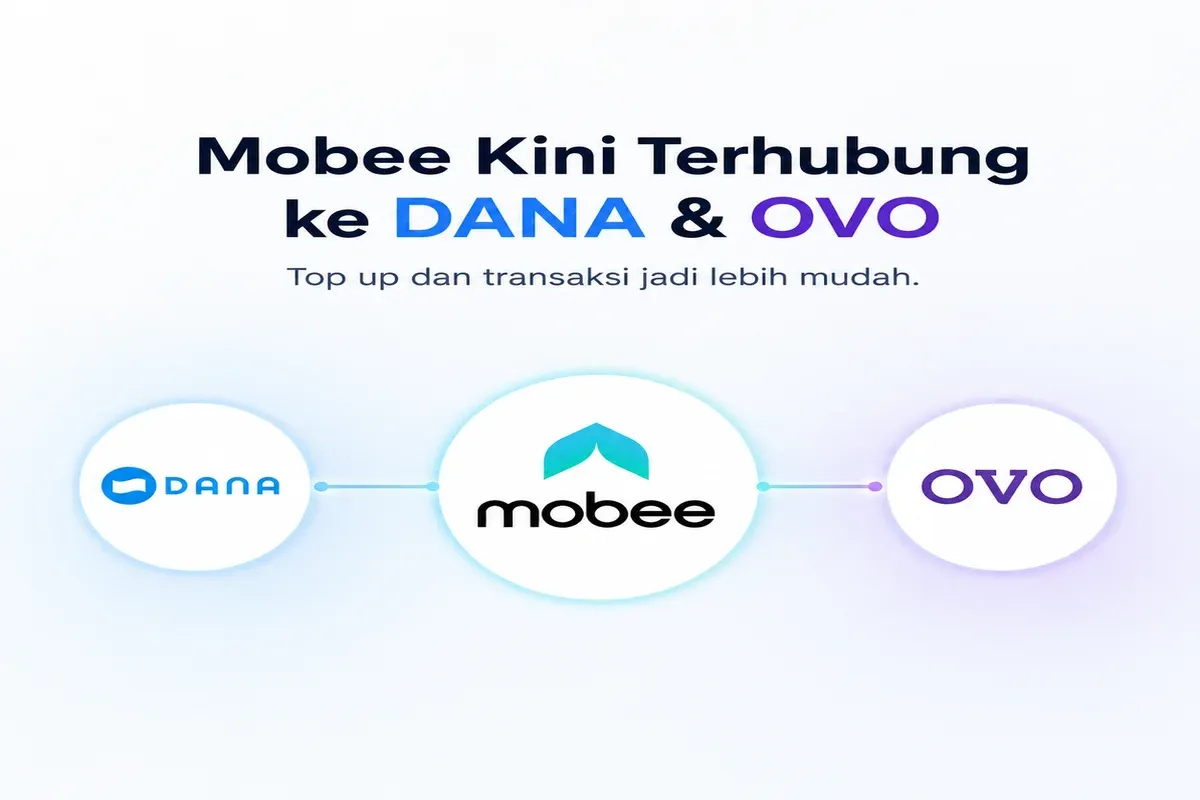
Your Mobee account can now be directly connected to OVO and DANA. Once linked, you can view your e-wallet balance and top up your Mobee account faster and more conveniently, without switching between apps or dealing with manual transfers.
How to Connect OVO or DANA to Mobee:
- Open the Mobee app
- Go to the Deposit menu
- Select OVO or DANA as your payment method
- Follow the verification steps to link your account
- Once connected, your e-wallet balance will be visible directly in Mobee
- Top up anytime with just a few taps
With this connection, topping up on Mobee is now more seamless than ever — your balance is visible, the process is faster, and transactions are smoother from start to finish.
For more information or assistance, please contact our Customer Support team via Live Chat or email us at [email protected].
Thank you for using Mobee!
![Announcement: JAM Deposits Temporarily Suspended [Updated]](https://cms-assets.mobee.com/jam_deposit_suspended_450616e81e.webp)